EVM Transaction Simulation
About
EVM Transaction Simulation lets you dry-run an EVM transaction from the Sign transaction modal and see whether it’s likely to succeed or revert — before you actually sign and send it.
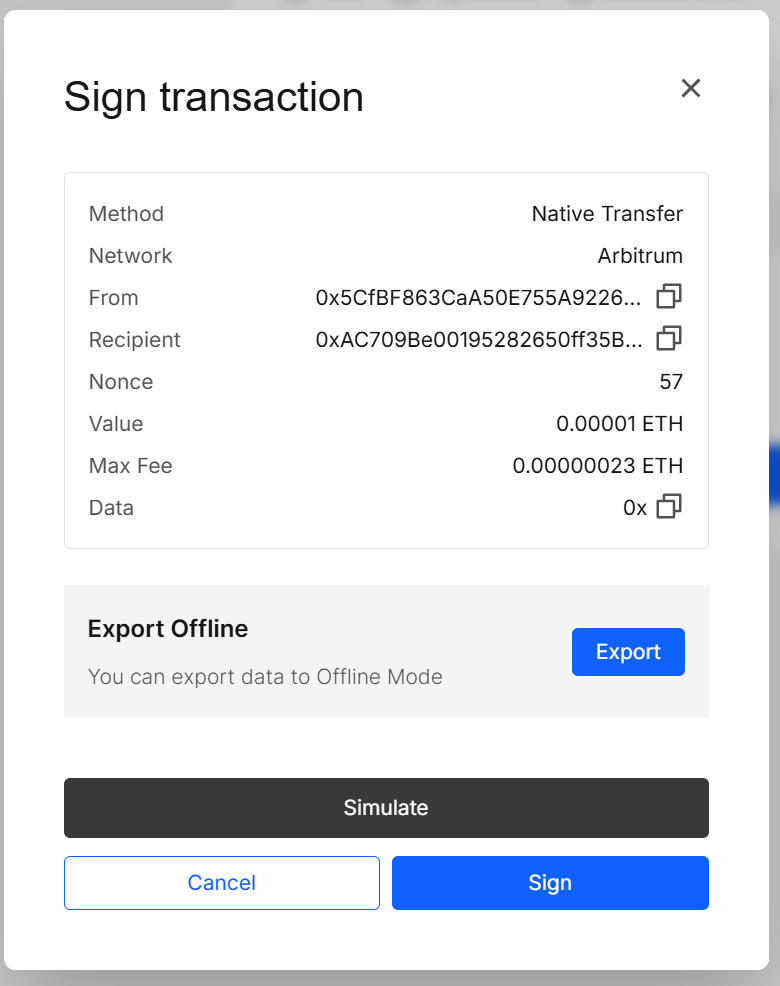
When the feature is enabled in App Store, a Simulate button appears in the modal.
Key features
- One-click simulate inside the signing modal
- Re-Simulate to refresh against the latest chain state
- Tenderly link with call trace, logs, gas usage, and state diff
- Smart caching: identical payloads reuse the last result (use Re-Simulate to force a fresh run)
How to use
1. Enable
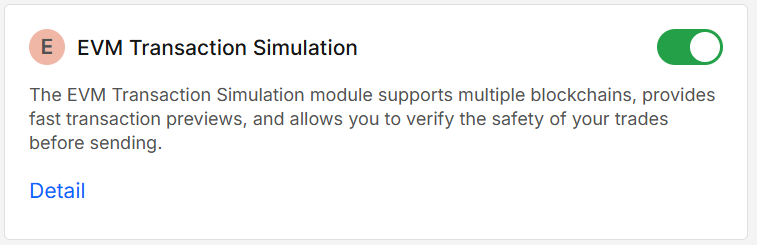
Enable EVM Transaction Simulation in App Store.
2. Open the signing modal
Initiate any action that opens Sign transaction (Send, Swap, Staking, etc.).
3. Run a simulation
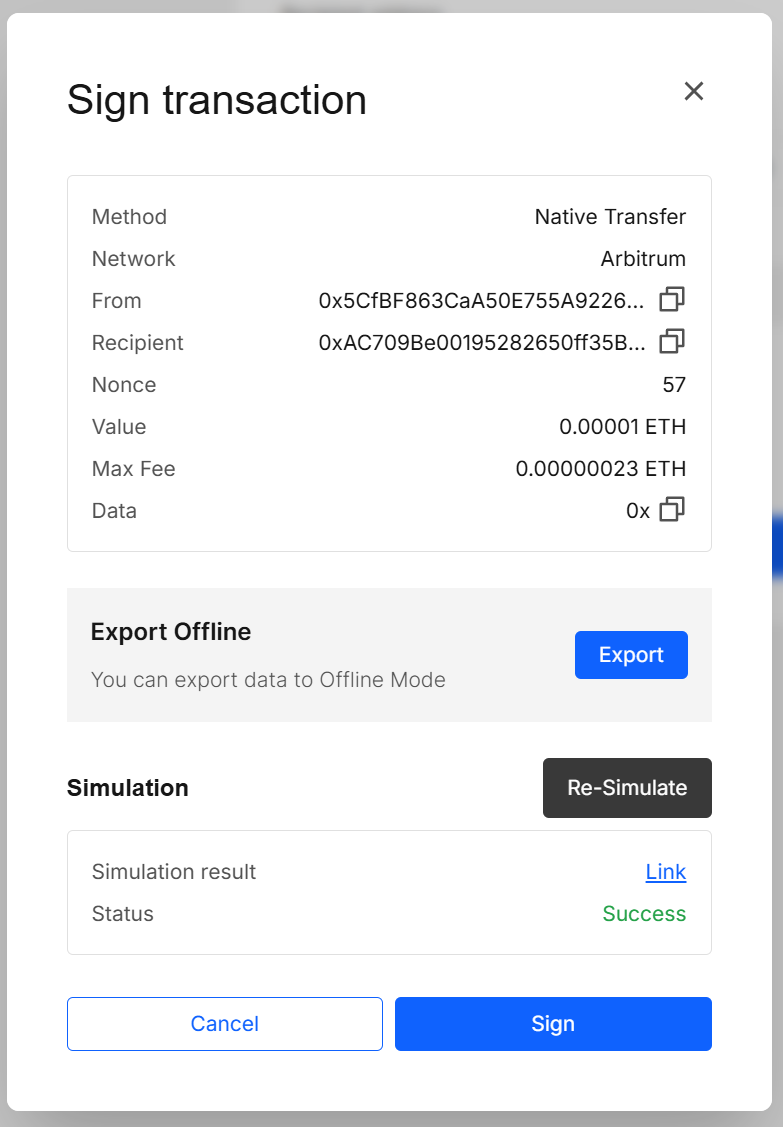
Click Simulate. The modal updates with the result. You’ll see:
- Status (e.g., Success or Failed / Reverted)
- Simulation result → Link to view on Tenderly
4. Re-run if needed
Click Re-Simulate to run it again against the current state.
5. Decide
Sign if the outcome looks good, or Cancel and adjust.
Results explained
Status
Success if the simulated call didn’t revert and Failed if it did.
Simulation result (Link)
Opens Tenderly with full details: gas used, call trace, transfers, state diff, logs, and more.
Validation & tips
- Simulation is a best-effort preview, not a guarantee. Mempool reordering, state changes, MEV, price updates, or deadlines can still cause a real transaction to fail. If you change value, calldata, gas parameters, slippage, or recipient, simulate again.
Security & privacy
- We send public transaction fields only (from, to, value, data, gas params) to Tenderly to run the simulation.
- Passwords, mnemonics, and private keys never leave the signer’s separate-origin iframe.
- No simulation is broadcast to the network; it does not change on-chain state.
FAQ
I don’t see the Simulate button — why?
Make sure the EVM Transaction Simulation is enabled in App Store and that you’re on an EVM network. Simulation is currently disabled for non-EVM chains.
Does simulation send a real transaction?
No. It’s an off-chain dry run. Nothing is broadcast.
Why can a simulated “Success” still fail on-chain?
Between simulation and broadcast, the chain state (prices, pool liquidity, nonces, deadlines) can change, or the transaction can be reordered. Use Re-Simulate just before signing and pick sensible slippage/deadlines.
What gets stored or cached?
For convenience, the result for the same payload is cached. Click Re-Simulate to force a fresh run.
Developer Info
- Built and maintained by the EXTRA WALLET team.
- Source: EXTRA WALLET
- Integration: Tenderly Simulation API for EVM previews