Address Book
About
Address Book lets you store named recipient addresses per chain and reuse them anywhere in the wallet that asks for a destination address (e.g., the Send flow).

Key features
- Save an address + name + chain as a reusable entry
- Search by name or address
- Edit the saved name or Delete an entry (password-gated)
- Use your Address Book directly on pages like Send
- Data is stored locally on your device and changes require your portfolio password
How to use
1. Create an entry
Fill the form on the left:
- Address name
- Address
- Chain (pick the chain the address belongs to)
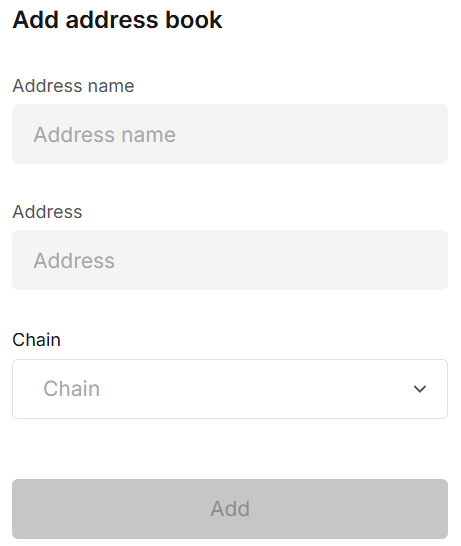
Click Add and confirm with your portfolio password.
2. View & manage entries
Saved items appear on the right under Accounts.
- Search at the top-right finds by name or address.

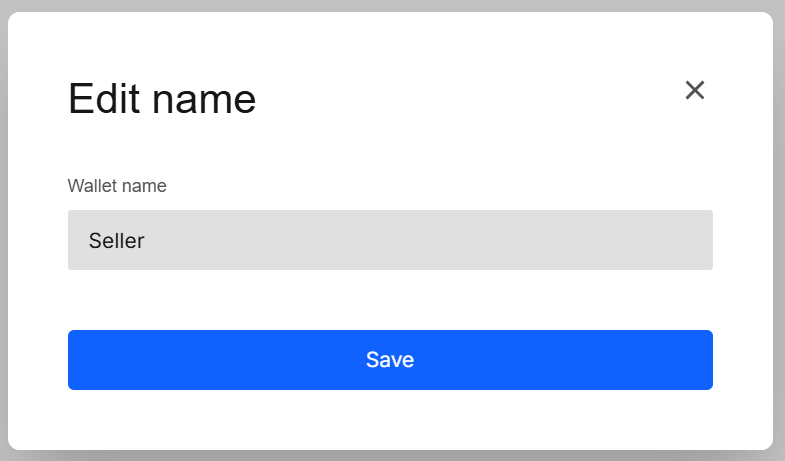
- Click the pen icon to rename → confirm with password.
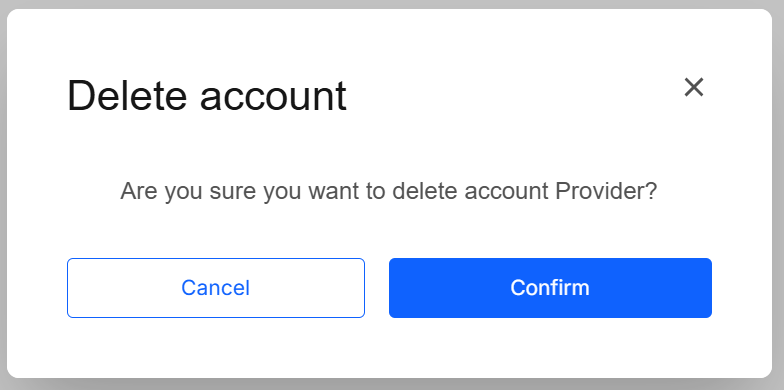
- Click the trash icon to delete → confirm deletion → confirm with password.
3. Use entries while sending
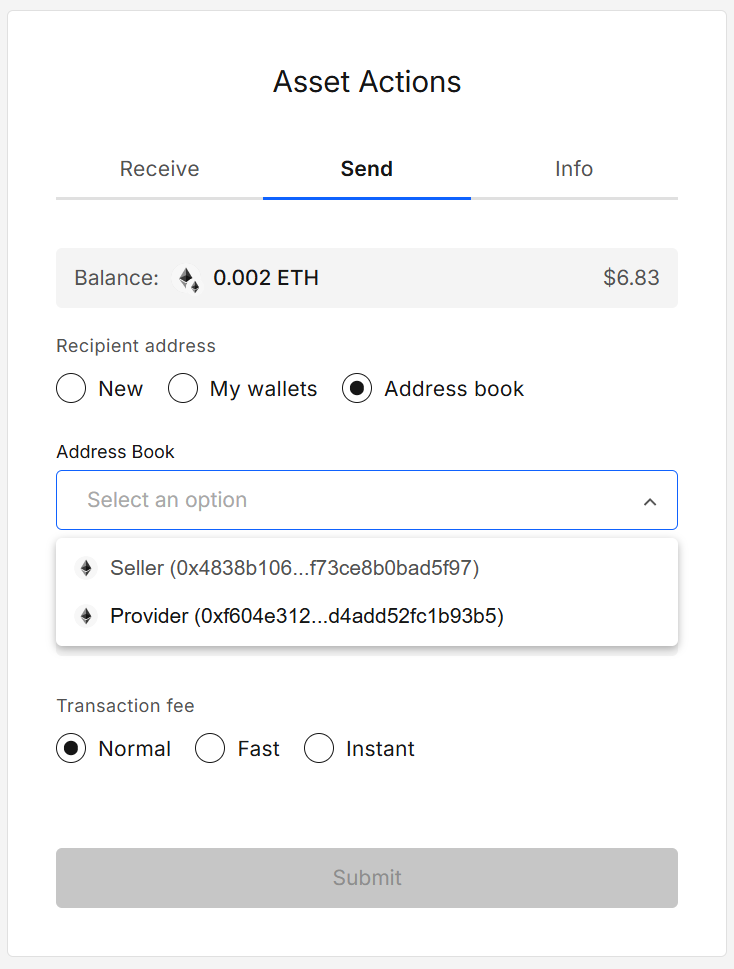
On the Send panel choose Address book, then pick your saved entry from the dropdown.
Results
| Action | Outcome |
|---|---|
| Add | Entry saved locally (name + address + chain). |
| Search | Filters the list by full/partial name or address. |
| Edit name | Updates the entry’s label after password confirmation. |
| Delete | Removes the entry after double confirmation (prompt + password). |
| Use in “Send” | Dropdown lists only entries for the selected chain. |
Validation & tips
- Chain matters: Save the address under the correct chain so it appears in the right Send flows.
- Names: Pick short, clear labels (e.g.,
Seller,Payroll USDC,Cold BTC). - Search shortcuts: You can paste part of an address (e.g., the first/last 6 chars) to find an entry fast.
- Edits don’t change the address: Renaming updates the label only; to change the address itself, delete and re-add.
Security & privacy
- Entries are stored locally in your portfolio data.
- Creating, renaming, and deleting entries requires your portfolio password.
This protects against accidental or unapproved changes from your active session.
FAQ
Why doesn’t my entry appear in the Send dropdown?
Make sure the entry’s chain matches the chain of the asset you’re sending.
Can I save the same address on multiple chains?
Yes — entries addresses are chain specific.
Are addresses encrypted?
No — addresses aren’t secret, but updates are password-gated and saved in your local portfolio storage.
Developer Info
- Built and maintained by the EXTRA WALLET team.
- Source: EXTRA WALLET